For Players
On Court in 60 Seconds
Walk up to any Zenniz court, scan in, and start playing — line calls, stats, and video begin the moment you do.
Three steps. Zero setup.
STEP
01
Find your Zenniz court

Walk up to any Zenniz-equipped court. The tablet is mounted right at net height, so you only need your racket.
Open the Zenniz app on your phone before you start.
STEP
02
Scan in on the tablet
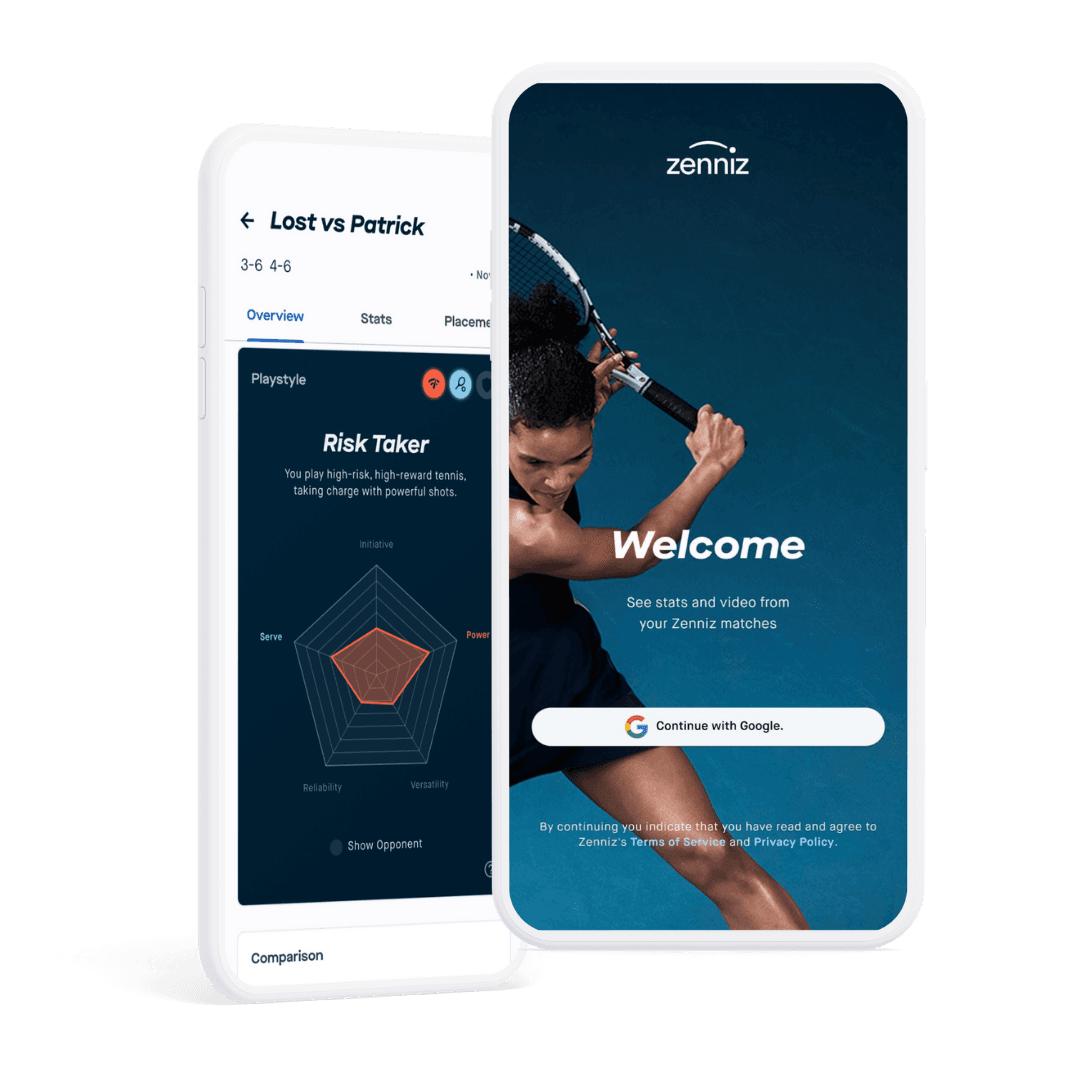
Tap 'Play' in the app and point your camera at the QR code on the courtside tablet.
Your session activates instantly — no forms, no waiting.
STEP
03
Pick a mode and play

Match Play — automatic line calls, serve speed, and live scoring.
Drills & Practice — real-time feedback on the tablet as you train.
Free Play — no setup, just start hitting.
Everything unlocks the moment you step on court
Line calls, serve speed, and shot data start recording automatically — no wearables, no extra setup.

Video & Streaming
Get footage of every shot, serve, and move to analyze and improve.

Drills
Practice groundstrokes and serves with Zenniz drills.

Data & Insights
Improve with real-time feedback and analytics – on and off the court.

Electronic Line Calling
Compete with Match Mode and enjoy precise and fair line calls every time.
Get the app before you play

1. Log in with the Zenniz App
Scan the QR code on the courtside tablet to activate Zenniz on court.

2. Play, practice, challenge
Put on Free Play, select Match Mode, or practice with drills.

3. Analyze game, improve faster
See real-time feedback on court, access stats and video after practice.